Welcome to your free backtests
Free and unlimited, on real data with costs in. Your script runs in the full Alpha Charts terminal.
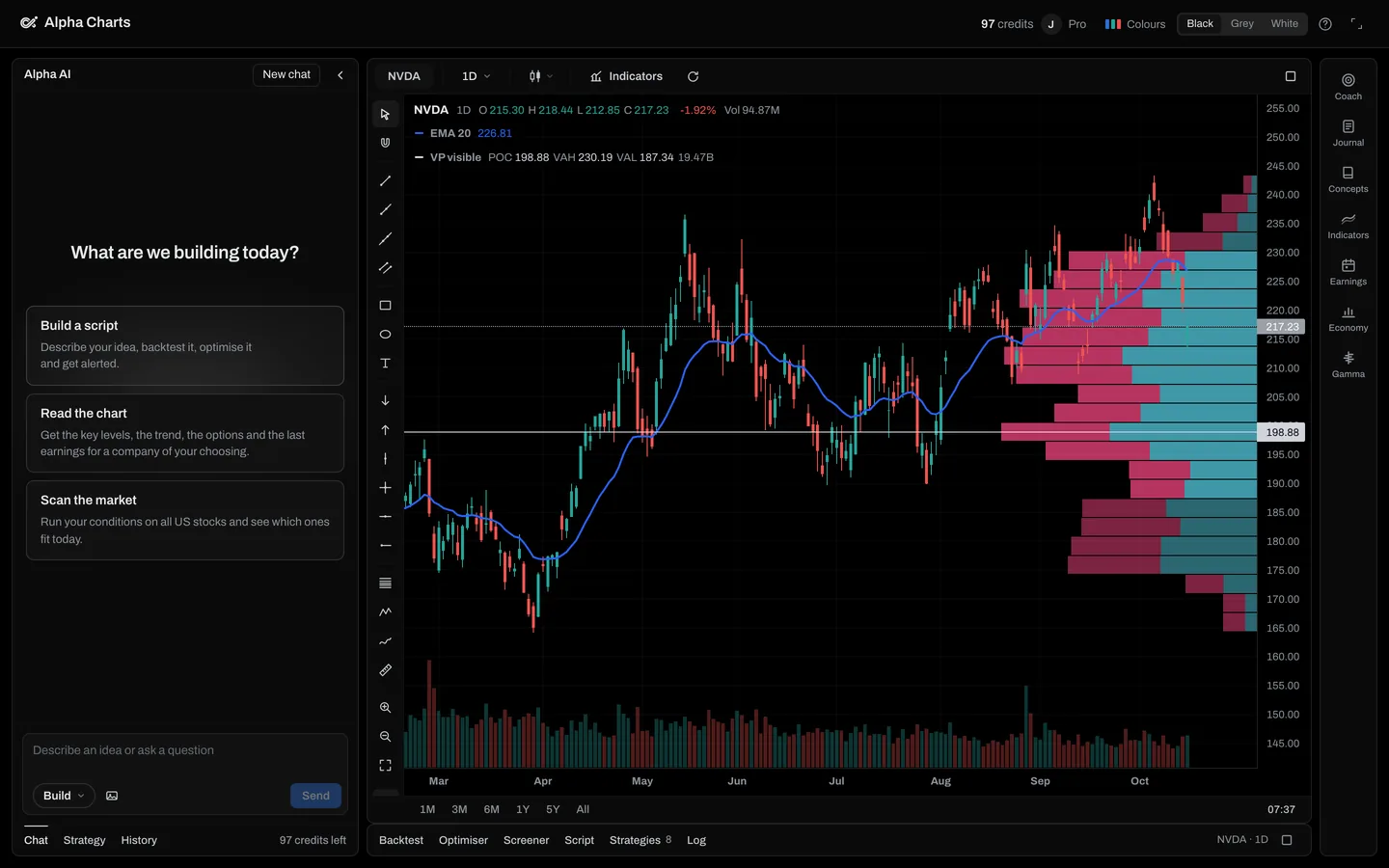
Paste your script
Pine v6, as TradingView has it.
How a run works
The data, its adjustments, the universe's survivorship bias, the fill rules, the verdict's thresholds and the CSV export are written out in Data and methodology.
Your script, as written
It runs the Pine Script you paste, not a rewrite of it, so every trade comes from your own rules.
Fills at the next open
When your rules trigger on a close, the trade fills at the next open, the way you could have taken it.
Costs on every trade
0.05% commission and 0.025% slippage come off each side of every trade, unless your script sets its own commission.
Two dated periods
By default about the last third of the history is kept apart and judged on its own, with its dates. The verdict says whether the idea survived, decayed or did not survive there.
Every trade on the chart
Entries and exits are marked on the chart, with the full list of trades and the drawdowns under it.
What a free account gets
Unlimited backtests in the Alpha Charts terminal on the Free plan, no card needed. Paste your script, then pick any US stock or ETF and a timeframe from one minute to monthly. Daily history goes back to 2016. The optimiser, the screener and more of the AI that writes scripts come with the plans, and every plan comes with 30 days money back.
Questions
Yes. A free Alpha Charts account backtests your own Pine Script as often as you like, with costs charged and both periods shown: Run on this page opens it in the terminal on the Free plan. TradingView's free Basic plan also backtests strategies, with its basic report. If you write Python, open-source libraries such as Backtrader and backtesting.py are free, with price history you bring yourself.
Yes. On TradingView's free Basic plan a strategy runs in the Strategy Tester with the basic report metrics, on up to 5,000 candles of history. The advanced report metrics and the exports start with the paid plans, and Deep Backtesting, which tests the whole history rather than what is loaded on the chart, starts at Premium.
Partly. ChatGPT can write a strategy, Pine Script included, but it has no way to run Pine on market data. Its data analysis can run a backtest in Python, and OpenAI's help page says that environment cannot make web requests, so the prices come from a file you upload or a source you connect, such as TradingView's MCP server. Costs, fills and a later test period are only in it if you ask for them and check the code.
It depends on what you are testing. For a strategy already in Pine, TradingView's own tester shows it the way your chart does. To have costs charged by default and the result checked on a later period kept apart, run it here. If you write Python, the open-source libraries give you full control over the data and the rules.
How it compares with other testers
Each comparison states what the other tool's own site says, with the date it was read, and when each is the better choice.
Sources, read on 20 October 2026: TradingView's plan comparison at tradingview.com/pricing and its help pages on Deep Backtesting and historical data limits; OpenAI's help page “Data analysis with ChatGPT”; the Backtrader and backtesting.py websites. TradingView, ChatGPT, Backtrader and backtesting.py belong to their owners, and Alpha Charts is not affiliated with them.